




← All demos
A managed database,
A managed database,
from empty form to live connection.
Three chapters, self-paced. This is the same flow you get in the console and the same one you can drive in plain language from your editor through the MCP server.
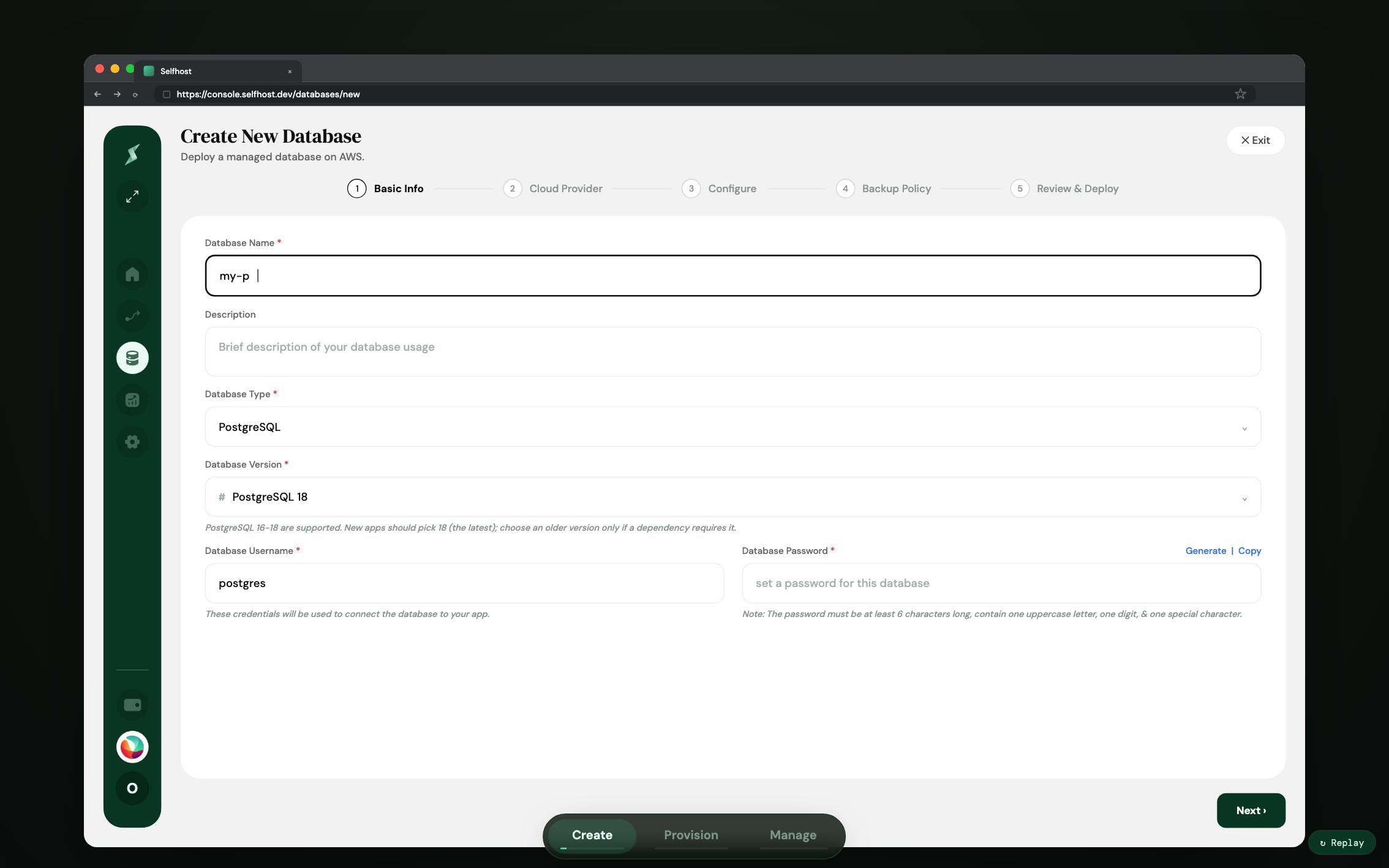
This walkthrough is built at desktop width and is best opened on a larger screen. Every chapter is written out below.
- 01 Create The five-step wizard: name and engine, cloud provider and region, instance size and storage, backup policy, then a review step that shows the cost before anything is deployed. PostgreSQL 16 to 18 and the same flow for MySQL, Redis and ClickHouse.
- 02 Provision The instance comes up on AWS in the region you picked, with encrypted storage, automated backups enabled and a Multi-AZ standby and finishes on a connection string you can copy.
- 03 Manage What running it looks like afterwards: backup policies and schedules, PgBouncer connection pooling, database users and roles and alert rules on live metrics.
Run the real one.
Sign up and the $5 launch credit goes straight toward your first database, no card needed. Everything pauses at $0 when you stop.